How to Find a Safe YouTube to MP3 Converter (and Avoid the Risky Ones)
By Audiora Team9 min read
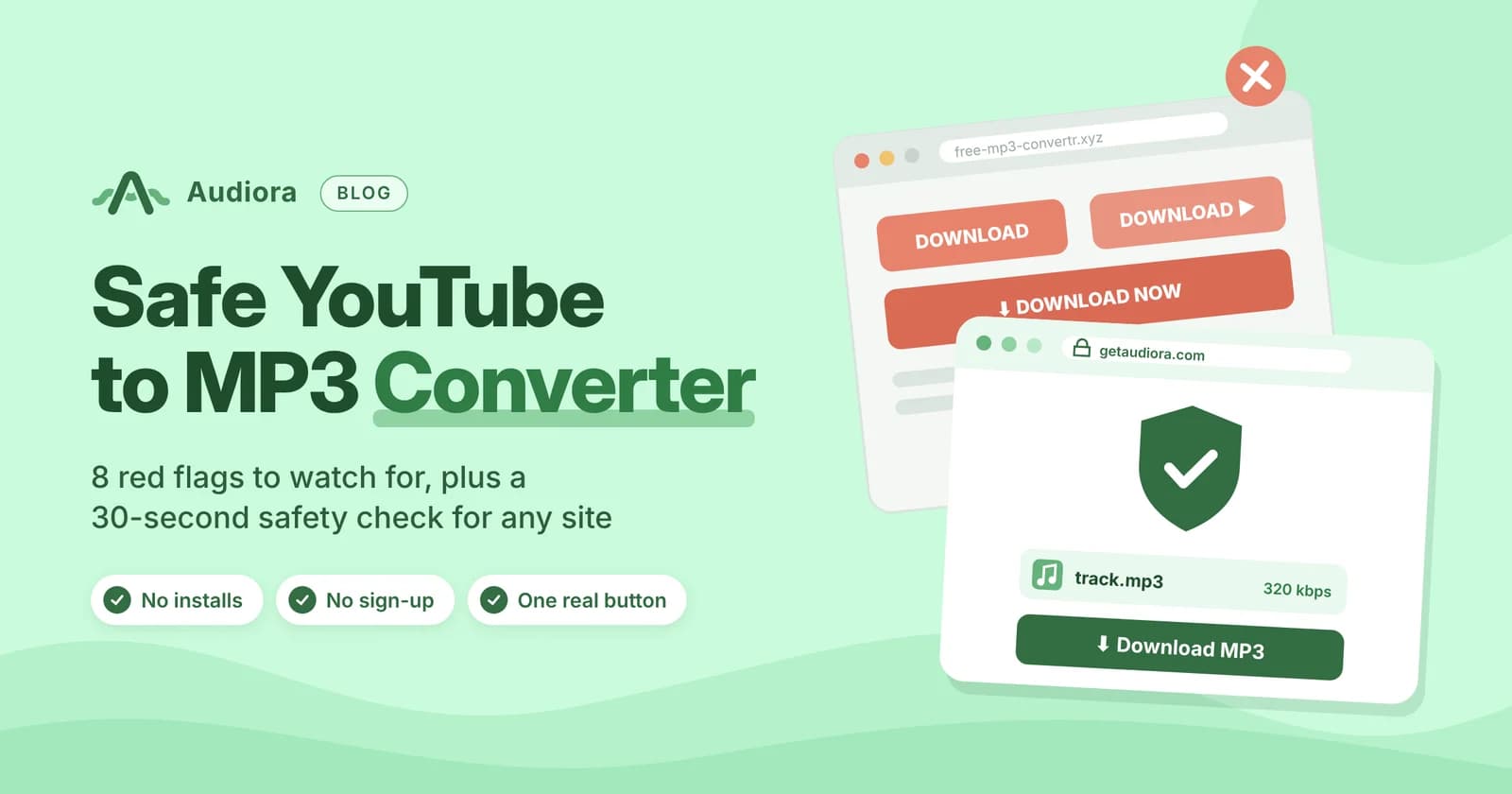
Short answer: A safe YouTube to MP3 converter gives you an MP3 file and nothing else. That means one download button, no software to install, no sign-up, no “allow notifications” pop-up, and a privacy page that says what happens to your data. If a site hands you an .exe, .dmg, .apk or .zip file when you asked for audio, close the tab.
Is YouTube to MP3 Safe?
It depends on which kind of safety you mean, because there are two.
Device safety is about whether the site can harm your phone or computer, through malware, scam redirects, spam notifications or data harvesting. This is the risk most people are worried about, and it’s almost entirely down to which site you pick.
Legal safety is about whether you’re allowed to keep the audio at all. That depends on who owns the video, where you live and YouTube’s own rules. We cover it further down.
The conversion itself isn’t dangerous. Pulling an audio track out of a video is a routine technical step. The danger comes from what some converter sites wrap around it, which is why picking a safe YouTube to MP3 converter matters more than any setting you choose.
What Actually Goes Wrong on Unsafe Converter Sites
Free converters cost money to run, and the sketchiest ones make that money back through you. These are the tricks that show up most often.
Fake download buttons
The page shows three or four big green “Download” buttons, and only one of them is real. The others are ads designed to look like part of the tool. Click one and you land on a page pushing a “codec”, a “player update” or a browser extension.
Bundled installers
You paste a link, wait, and the “MP3” turns out to be an installer. An MP3 never needs installing. Any file that runs as a program is the clearest sign you’re on the wrong site.
Notification spam
The site asks you to “Allow notifications to continue” or “Click Allow to verify you’re not a robot”. Once allowed, it can push ads to your desktop or phone for weeks, often fake virus alerts or prize scams, even after you’ve closed the site.
Redirect chains
You click convert and a new tab opens on a page claiming your phone is infected, that you’ve won a prize, or that you must enter your number to continue. A real converter doesn’t need any of those things.
Data grabs
Some sites ask for an email address, a login or a card number “for verification”. Converting a public video never requires personal details.
8 Red Flags That a YouTube to MP3 Converter Isn’t Safe
| # | Red flag | Why it matters |
|---|---|---|
| 1 | More than one “Download” button | The extra buttons are almost always ads in disguise |
| 2 | It asks you to install a program, app or “helper” | An MP3 never needs installing |
| 3 | The finished file ends in .exe, .dmg, .apk, .msi or .zip | That’s software, not audio |
| 4 | A pop-up asks to “Allow notifications” | It opens the door to ad and scam alerts on your device |
| 5 | New tabs open every time you click | The site earns money from forced redirects |
| 6 | It asks for an email, phone number, login or card | Converting a public video needs none of these |
| 7 | It promises “lossless”, “HD 320” or “studio quality” from any video | YouTube audio usually streams at roughly 128–160 kbps, so honest sites don’t overpromise |
| 8 | No privacy policy, no contact details, no copyright page | Nobody is accountable if something goes wrong |
Even one of these is enough to leave. Two or more and you can be fairly sure the site is built to monetise you rather than serve you.
How to Check Any Converter Site in 30 Seconds
You don’t have to take a site’s word for it, ours included. These free checks tell you within a minute whether you’re dealing with a safe YouTube to MP3 converter or something to avoid.
- 1
Look the domain up on Google Safe Browsing
Paste the address into Google’s Safe Browsing site status page. It tells you whether Google has flagged the site for malware or deceptive behaviour.
- 2
Scan it on VirusTotal
VirusTotal runs a URL past dozens of security engines at once. A clean result isn’t a guarantee, but several flags are a clear no.
- 3
Check the spelling
Popular converter names get cloned with an extra letter, a hyphen or a different ending (.cc, .ws, .to). Make sure you’re on the site you meant to visit.
- 4
Find the privacy page
A legitimate tool explains what it stores and for how long. If the footer has no privacy policy and no way to contact anyone, that’s your answer.
- 5
Check the file you get
On a computer, look at the file extension before opening it. A genuine result ends in
.mp3. Watch for double extensions such assong.mp3.exe. - 6
Keep your browser’s own protection on
Chrome, Safari, Edge and Firefox all block known dangerous sites by default. Keep them updated and leave those protections switched on.
Online Converter vs Desktop App vs Browser Extension
Each route carries a different kind of risk.
| Option | Install needed? | Main risk | Best for |
|---|---|---|---|
| Online converter | No | Ads, redirects and fake buttons on poorly run sites | Quick one-off conversions on any device |
| Desktop app | Yes | Bundled adware or malware if downloaded from an unofficial source | Frequent, heavy use, and only from the developer’s official site |
| Browser extension | Yes | Broad permissions to “read and change data on websites you visit” | Rarely worth it |
A safe YouTube to MP3 converter that runs in the browser is the lowest-exposure option, because nothing stays on your device. Extensions are the riskiest. Google’s Chrome Web Store doesn’t permit extensions that download YouTube videos, so most YouTube downloader extensions are installed from outside the store, which skips the review process entirely. On Android the same logic applies: Google Play doesn’t allow YouTube downloader apps, so they arrive as APKs from third-party sites.
What a Safe YouTube to MP3 Converter Looks Like
Here’s the checklist turned around. A trustworthy converter should:
- Have one real download button, with no lookalike ads beside it
- Hand you an MP3, never software, so there’s nothing to install or extract
- Work without an account, with no email, login or payment
- Never ask for notification permission
- Explain what it keeps, saying what it stores and when it deletes it
- Be upfront about limits, such as maximum length or unsupported video types, instead of promising everything
- Offer honest quality choices, not vague “HD” labels
This is the standard we built Audiora’s YouTube to MP3 converter around. Here’s how it measures up:
- It has a single download button, with no fake buttons, surprise redirects or extra software.
- There’s no sign-up. You get a straight MP3 in your choice of 128, 192 or 320 kbps.
- Our privacy policy explains what we keep and for how long. Files you upload are deleted as soon as the conversion finishes, and we don’t keep the MP3s we create.
- We list the tool’s limits on the converter page instead of promising everything.
Is It Legal to Convert YouTube to MP3?
This is where “safe” gets more complicated, and the honest answer is that it depends.
YouTube’s terms are strict. YouTube’s Terms of Service don’t allow downloading content unless YouTube offers a download option for it, or you have permission from YouTube and the rights holders.
Copyright law varies by country. In many places, saving copyrighted music you don’t have the rights to counts as infringement.
Usually fine
- Audio from videos you uploaded yourself. For files already on your device, our video file to MP3 tool skips YouTube entirely.
- Content released under Creative Commons or in the public domain.
- Videos where the creator explicitly allows downloads, such as royalty-free music libraries.
Risky or not allowed
- Commercial music you’d otherwise buy or stream
- Re-uploading or selling audio you don’t own
- Using downloaded tracks in ads, monetised videos or podcasts without a licence
If you mainly want offline music, YouTube Premium’s built-in download feature is the officially sanctioned route. The files stay inside the YouTube app rather than becoming MP3s.
Already Clicked Something Bad? Here’s What to Do
If you hit a dodgy converter before reading this, don’t panic. Most problems are easy to undo.
- 1
Revoke notification permission
In Chrome, go to Settings › Privacy and security › Site settings › Notifications and remove any site you don’t recognise. On iPhone, check Settings › Notifications for web apps you didn’t add.
- 2
Remove anything you installed
Uninstall unfamiliar programs on your computer and unknown extensions in your browser’s extension menu.
- 3
Run a full scan
Windows Security (built into Windows), or a reputable scanner such as Malwarebytes, will catch most bundled adware.
- 4
Check Android’s “install unknown apps” setting
If you allowed your browser to install apps, switch that permission off again and delete any APK you don’t trust.
- 5
Change passwords if you typed any in
If a site asked you to “log in” and you did, change that password and turn on two-factor authentication.
Safe Converting for Other Platforms
The same red flags apply whatever the source. If you also save audio from social apps, Audiora has matching tools that follow the same rules: one button, no sign-up, nothing to install.
The Bottom Line
A safe YouTube to MP3 converter is boring in the best way. You paste a link, pick a quality, and get an MP3. There are no extra tabs, no installers and no requests for your details. If a site asks for anything more than that, it’s trying to get something from you. Run the 30-second check, trust the red flags, and only keep audio you’re entitled to keep.
Frequently asked questions
Can an MP3 file contain a virus?
A genuine MP3 is audio data, and playing it in a normal music player is very low risk. The real danger is a program disguised as an MP3 (for example track.mp3.exe), or the converter site itself. Check the file extension before opening anything.
What is the safest YouTube to MP3 converter?
The safest one is whichever passes the checks in this guide: one download button, no installs, no sign-up, no notification requests, a clear privacy policy, and a clean result on Google Safe Browsing and VirusTotal. Don’t rely on “top 10” lists that never explain how they tested each site.
Is it safe to use a YouTube to MP3 converter on iPhone?
Generally yes, if you use a browser-based tool in Safari. iOS doesn’t let websites install software, which removes the biggest risk. Still, never allow notifications or enter personal details.
Do I need antivirus to use a YouTube to MP3 converter?
On a clean site, no. Your browser’s built-in protection and your operating system’s security (Windows Security, macOS Gatekeeper) handle the basics. A scan is worth running if you’ve already downloaded something suspicious.
Does a VPN make converting safer?
A VPN hides your IP address, but it won’t stop a fake download button or a bundled installer. It doesn’t replace the checks above.
Why do some converters ask me to allow notifications?
Because each subscriber is worth money to them. Notification access lets the site push ads to your device long after you leave. A real converter has no reason to ask.